



Close Menu
BuzzerBuzzer
  • Home
  • News
    • World News
    • Politics
    • Financial
    • Entertainment
  • Sports
  • Lifestyle
    • Fitness
    • Food
      • Food Recipes
    • Fashion
    • Travel
    • Hotels
  • Other
    • Medical
    • Science & Tech
    • History
  • Blog
    • Hotel Reviews
    • Product Reviews
    • Restaurant Reviews
    • Services Review
  • Video

Subscribe to Updates

Get the latest news from Buzzer.

What's Hot

Railway Dept. incurs over Rs. 1 million loss due to season ticket delays

June 3, 2026

Travel ban issued on ex- President Gotabaya Rajapaksa in Easter Attacks case

June 3, 2026

US proposes new tariffs on Sri Lanka and 59 other countries

June 3, 2026
Facebook X (Twitter) Instagram Pinterest YouTube Tumblr LinkedIn TikTok
Trending
  • Railway Dept. incurs over Rs. 1 million loss due to season ticket delays
  • Travel ban issued on ex- President Gotabaya Rajapaksa in Easter Attacks case
  • US proposes new tariffs on Sri Lanka and 59 other countries
  • US Dollar selling rate surpasses Rs. 337 mark
  • CID directed to present facts in ex-SIS chief Suresh Sallay motion
  • Appeals Court to hear Yoshitha Rajapaksa’s revision petition on June 16
  • Kuwait airport damaged in Iranian attacks, flights suspended
  • SC reserves judgment in Pillayan’s fundamental rights petition
Facebook X (Twitter) Instagram YouTube Pinterest Tumblr LinkedIn TikTok
Thursday, June 4
BuzzerBuzzer
  • Home
  • News
    • World News
    • Politics
    • Financial
    • Entertainment
  • Sports
  • Lifestyle
    • Fitness
    • Food
      • Food Recipes
    • Fashion
    • Travel
    • Hotels
  • Other
    • Medical
    • Science & Tech
    • History
  • Blog
    • Hotel Reviews
    • Product Reviews
    • Restaurant Reviews
    • Services Review
  • Video
SINHALA
Facebook X (Twitter) Instagram YouTube Pinterest Tumblr LinkedIn TikTok
BuzzerBuzzer
SINHALA
Home » Is your laptop overheating too? Then follow these instructions
Science & Tech 9 Views

Is your laptop overheating too? Then follow these instructions

Buzzer EditorBy Buzzer EditorOctober 27, 2022No Comments6 Mins Read9 Views
Share
Facebook Twitter LinkedIn Pinterest Email Telegram WhatsApp
Sponsored

Nowadays, it is almost impossible to find a person who does not use a laptop or any other computer. Many people use computers especially for office work and for studying. Even there, many people use laptops. Because it is easy to use.

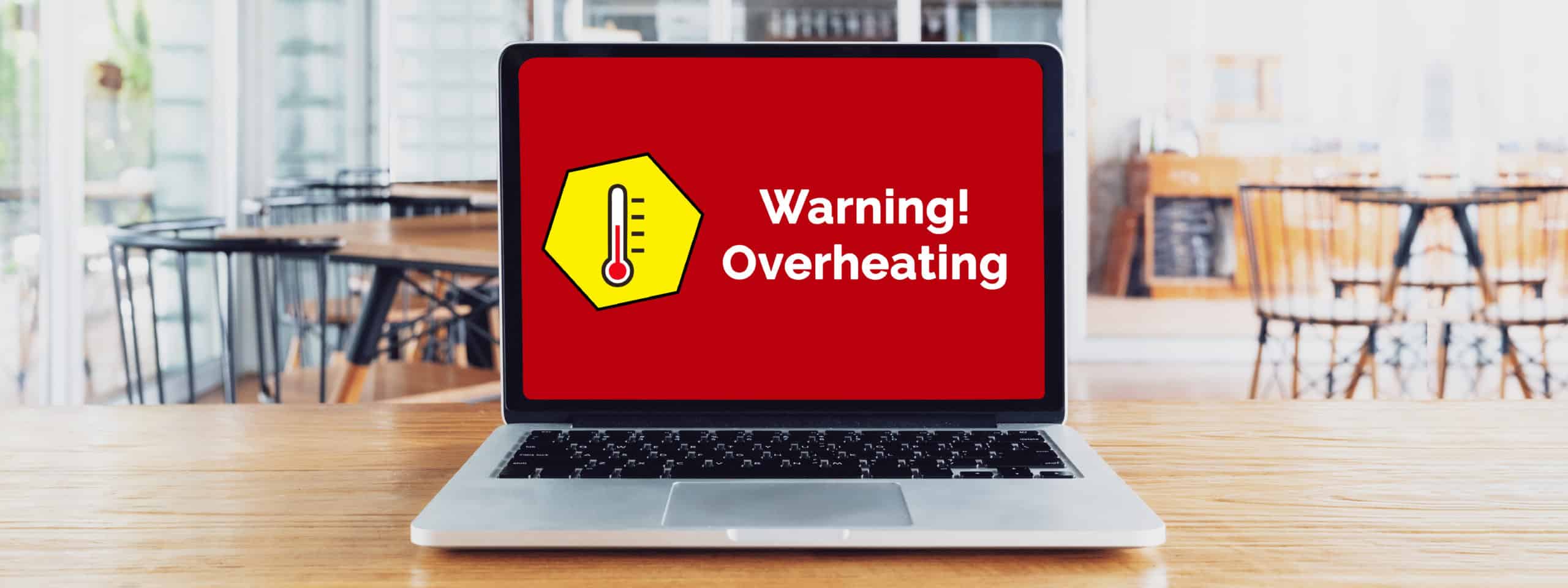
Now, like any electronic gadget, there are some problems that can come up very easily in a laptop. Here, most of the problems that can come from those problems are due to high temperatures. Yes, a laptop generates heat when it is working. But any laptop has a mechanism to remove the heat generated to some extent. Some modern laptops have very efficient heat reduction mechanisms. But one thing: whatever the mechanism, there are things we can do to prevent a laptop from overheating. In fact, the practical things that can be done are not only to fix the problems that may occur on the laptop but also to extend the lifespan of the laptop.

So, let’s see what practical things we can do to reduce the heat while working with the laptop!

1. Cooling pads
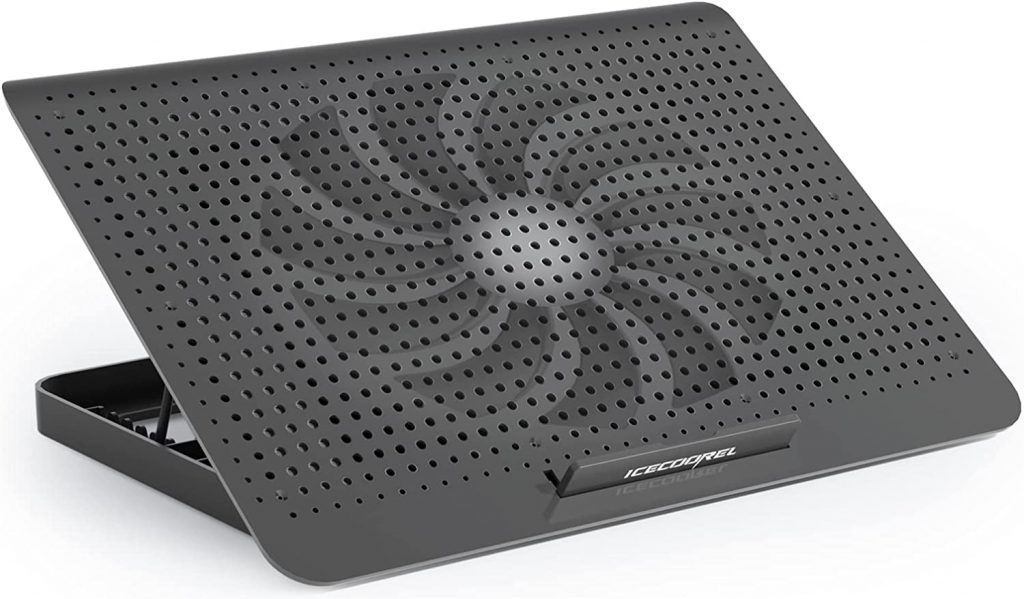
Generally, if a laptop is used regularly, it is very wise to invest in a cooling pad when buying the laptop. If you want a good cooling pad, it will cost about three or four thousand rupees. But a good cooling pad does two things. One, the fans on the cooling pad, powered by USB, provide extra help in removing the heat from the laptop. That is in addition to the cooling fans in the laptop. In addition, when we place the laptop on a cooling pad, the laptop rises above the surface on which it is placed. It also allows the heat of the laptop to be removed by convection. Sometimes even when the fans of the cooling pad are not working, keeping the laptop off the surface helps to remove the heat from the laptop.

2. Don’t let the switch on all 365 days!
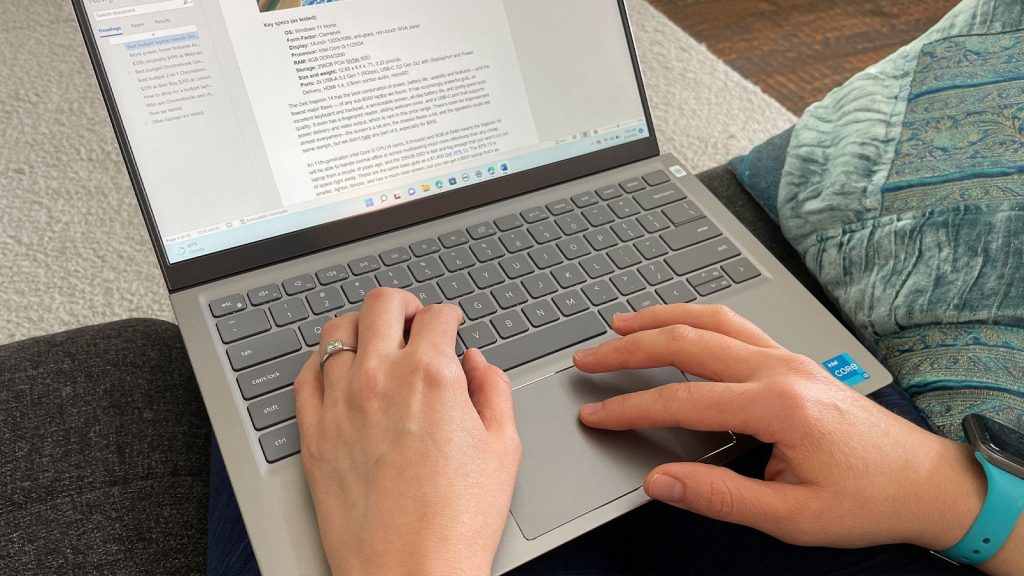
Some people have to do all their office work and study work from their laptops. That is understandable. Especially in working from-home arrangements these days, the laptop is on day and night. But it is not so good for the life of the laptop. why? There is no time when the laptop is turned off, it does not have time to cool down. Even if you are a human being, if you work without sleep for a day or two, won’t the system go haywire? It is true that a laptop can be used to work continuously for much longer than that. But it increases the heat of the laptop rapidly. So, give the laptop a little rest at least once a day. Especially when you need to take a rest, hibernate your laptop instead of leaving it on.

3. Do not cover the places where the heat escapes!

It is for this reason that it is recommended to use a cooling pad or something like that that is raised a little above the surface where the laptop is placed. Like the laptop’s fans, there are openings for ventilation, that is, for the heat to escape. Then, the way the laptop is placed, the opening is covered, which means that the main way to efficiently escape the heat generated when the laptop is running is blocked. Therefore, always keep the laptop in such a way that the vents are not obstructed. It means that you should not keep the books in a bunker around the laptop. Keep the laptop in a convenient place.

4. Hot weather

Now we don’t live in Europe. We live in an equatorial country. As a country near the equator, we usually have to face extreme temperatures for a considerable period of the year. Then not only us, the electronic gadgets and budgets that we use, including the laptop, also have to face the temperature problem. But we cannot change the weather. But we can do something like this. One is to choose a place with a slightly lower temperature if you will be using the laptop continuously. Also, giving the laptop a rest without running continuously on days with high temperatures.

5. Don’t run so many hard applications
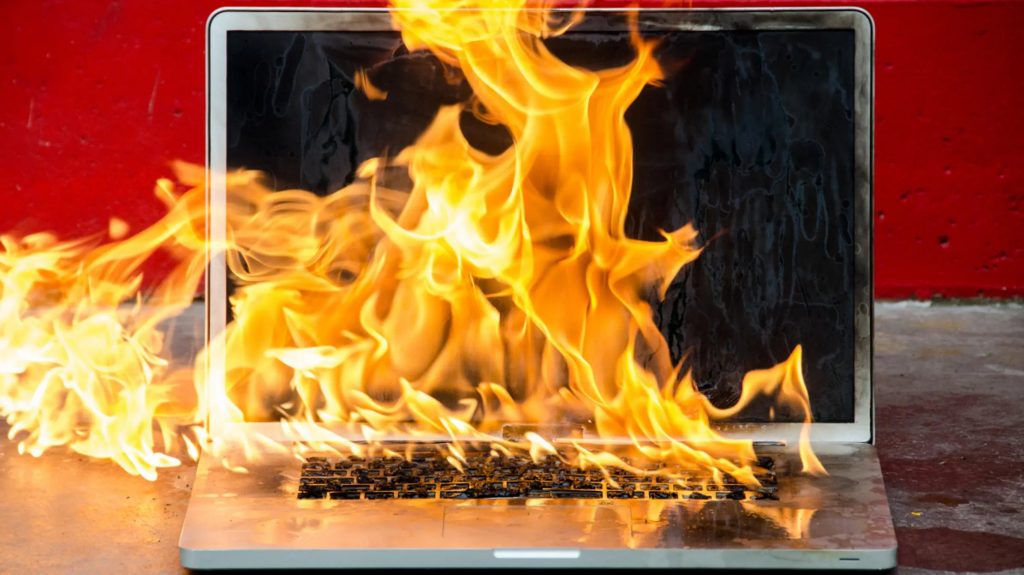
Any laptop user should understand that even when a laptop is heavily loaded, it starts to heat up quickly. Therefore, we have to advise you not to pull your laptop unnecessarily. That means, the machine is going to get stuck and run a lot of work at once, and the laptop starts to heat up unimaginably. As the central processing unit of the laptop heats up, the speed of the laptop’s fan also increases. But there is a limit to it. Then what happens is that the more the laptop gets upset, the more the heat increases!

6. A regular clean-up

We have finally said to service the laptop at least once a year to minimize the problem of this laptop heating up. But that means physical servicing. Before that, we want to clean the operating system of the laptop. For example, it is essential to check the laptop once in a while, remove unnecessary software, and remove suspicious software anyway. After that, a disk clean-up, disk defragmentation, and if the hard drive is full before jumping to the red slots, if you lighten the load a little, it will also be of great help to prevent the laptop from heating up.

7. Servicing
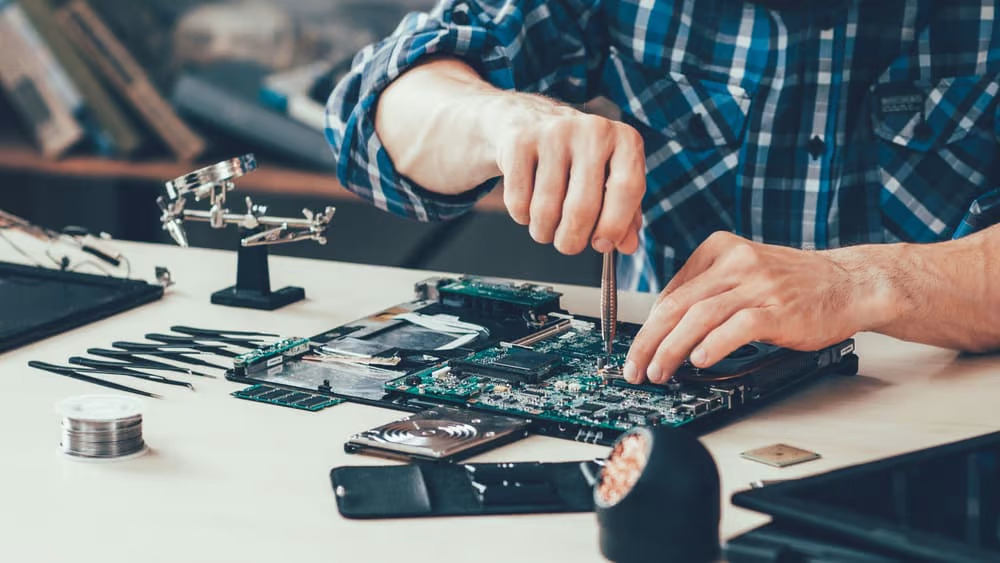
This is something that many of us do not do, but if we do, the lifespan of the laptop will be extended beyond imagination. That means servicing the laptop from time to time. It doesn’t matter if you do this once a year. If you don’t have the knowledge, you can go to a good laptop repair technician. What needs to be done is to remove the dirt and dust accumulated inside the laptop, remove the dust that is bound to cover the above-mentioned opening that we have made for the air circulation of the laptop, and put a service road. If we know computer work, we can actually do it ourselves. Get that handheld vacuum cleaner, it’s even easier!

If so, don’t forget to post your thoughts in the comment section while sharing this article.

Find out more by engaging Buzzer.lk and Buzzer Science & Technology.

Advertisement
featured pick picks science & tech
Share. Facebook Twitter Pinterest LinkedIn WhatsApp Email
Previous ArticleThe scopes of several ministries are revised
Next Article The budget is to be presented to Parliament on November 14
Buzzer Editor

Related Posts

1 Views

Railway Dept. incurs over Rs. 1 million loss due to season ticket delays

June 3, 2026 News 1 Views
3 Views

Travel ban issued on ex- President Gotabaya Rajapaksa in Easter Attacks case

June 3, 2026 News 3 Views
7 Views

US proposes new tariffs on Sri Lanka and 59 other countries

June 3, 2026 News 7 Views

Comments are closed.

Sponsored Ads
Advertisement
Our Picks

Railway Dept. incurs over Rs. 1 million loss due to season ticket delays

June 3, 2026

Travel ban issued on ex- President Gotabaya Rajapaksa in Easter Attacks case

June 3, 2026

US proposes new tariffs on Sri Lanka and 59 other countries

June 3, 2026

US Dollar selling rate surpasses Rs. 337 mark

June 3, 2026
BuzzerLK
  • High-level IMF team to visit Sri Lanka this week!
For more info click - https://buzzer.lk/high-level-imf-team-to-visit-sri-lanka-this-week/

#lka #presidentialelection #updates #srilanka
  • Fuel prices reduced!
For more info click - https://buzzer.lk/fuel-prices-reduced-2/

#lka #presidentialelection #updates #srilanka
  • World Children’s Day 2024!
For more info click - https://buzzer.lk/world-childrens-day-2024/

#lka #presidentialelection #updates #srilanka
  • Israeli strikes may have displaced million people

For more info click - https://buzzer.lk/israeli-strikes-may-have-displaced-million-people/

#lka #presidentialelection #updates #srilanka
  • President orders to open 2 closed roads!
For more info click - https://buzzer.lk/president-orders-to-open-2-closed-roads/

#lka #presidentialelection #updates #srilanka
  • Stop inviting politicians to school events: Harini!

For more info click - https://buzzer.lk/stop-inviting-politicians-to-school-events-harini/

#lka #presidentialelection #updates #srilanka

Follow Us

Stay In Touch
  • Facebook
  • Twitter
  • Instagram
  • YouTube
  • Pinterest
  • LinkedIn
  • TikTok
Don't Miss
News
News June 3, 20261 Views1 Min Read

Railway Dept. incurs over Rs. 1 million loss due to season ticket delays

By Buzzer EditorialJune 3, 20260 News 1 Min Read1 Views

The Department of Railways has incurred losses exceeding Rs. 1 million due to delays in…

Travel ban issued on ex- President Gotabaya Rajapaksa in Easter Attacks case

June 3, 2026

US proposes new tariffs on Sri Lanka and 59 other countries

June 3, 2026

US Dollar selling rate surpasses Rs. 337 mark

June 3, 2026

Subscribe to Updates

Get the latest news from Buzzer.

About Us
About Us

Buzzer platform provides a wide range of contents starting from lifestyle to politics. All lingering questions and undisclosed truths will be addressed as will taboo topics to which Sri Lankans struggle to find answers. Buzzer's primary goal is to educate the general public on current events and to provide solid information on topics that have been concealed. The articles, videos, and live event coverage in the form of writing make up the majority of the content.

[email protected]
+94 112 141 427

Follow Us
  • Facebook
  • Twitter
  • Instagram
  • YouTube
  • Pinterest
  • LinkedIn
  • TikTok
Recent Posts
  • Railway Dept. incurs over Rs. 1 million loss due to season ticket delays
  • Travel ban issued on ex- President Gotabaya Rajapaksa in Easter Attacks case
  • US proposes new tariffs on Sri Lanka and 59 other countries
  • US Dollar selling rate surpasses Rs. 337 mark
  • CID directed to present facts in ex-SIS chief Suresh Sallay motion
  • Appeals Court to hear Yoshitha Rajapaksa’s revision petition on June 16
  • Kuwait airport damaged in Iranian attacks, flights suspended
  • SC reserves judgment in Pillayan’s fundamental rights petition
© 2026 Buzzer Media Inc. Digitally Crafted by Rabbit.
  • Home
  • Terms and Conditions
  • Privacy Policy
  • Get In Touch

Type above and press Enter to search. Press Esc to cancel.